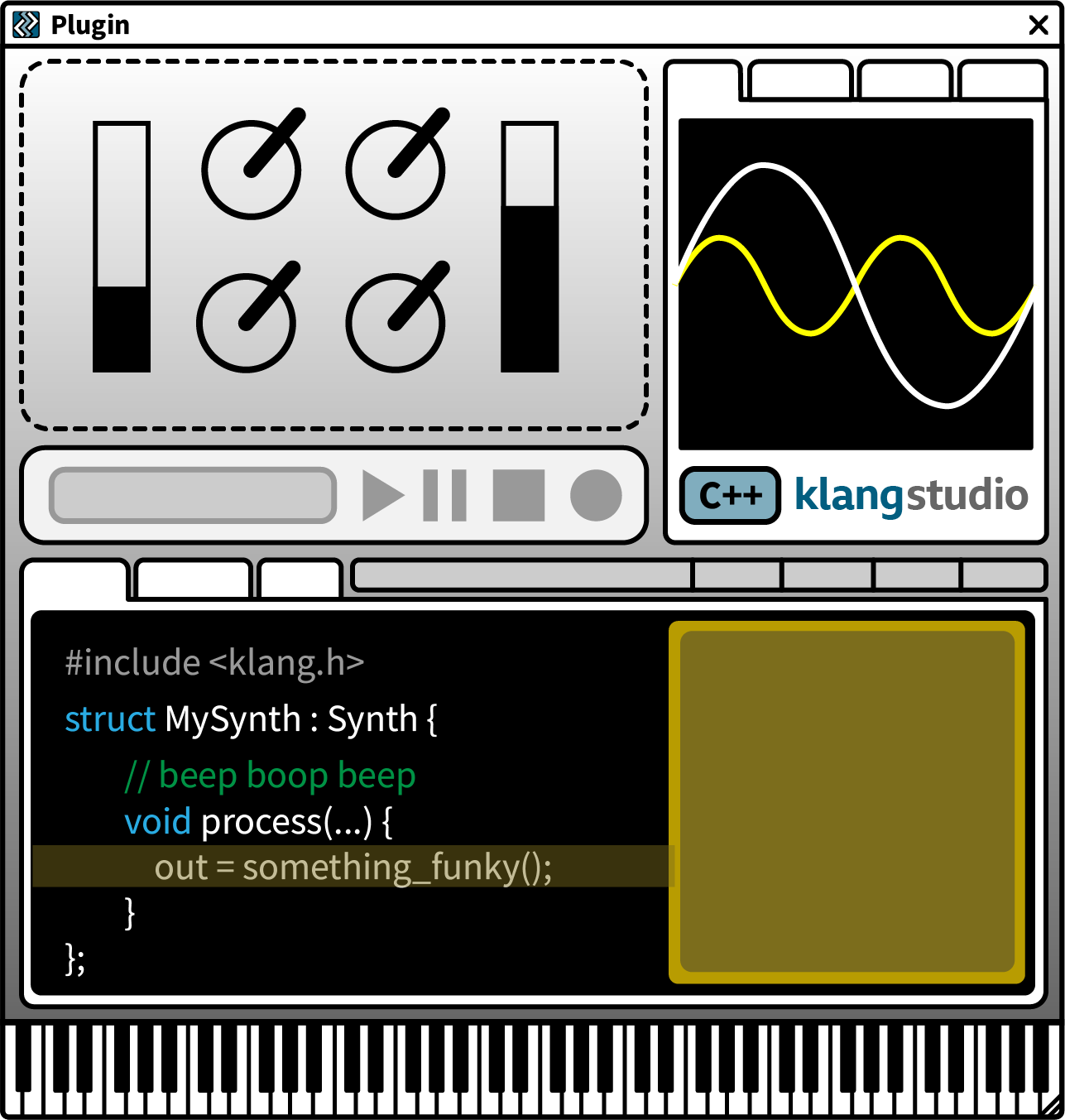
| ← | Hover over the image or select from the following to find out more about specific features: |
- Plugin UI »
- Audio Analysis »
- Playback + Tests »
- Main Toolbar »
- Source Code »
- Debug Mode »
- Virtual Keyboard »
NB: Layout will vary depending on the window size.
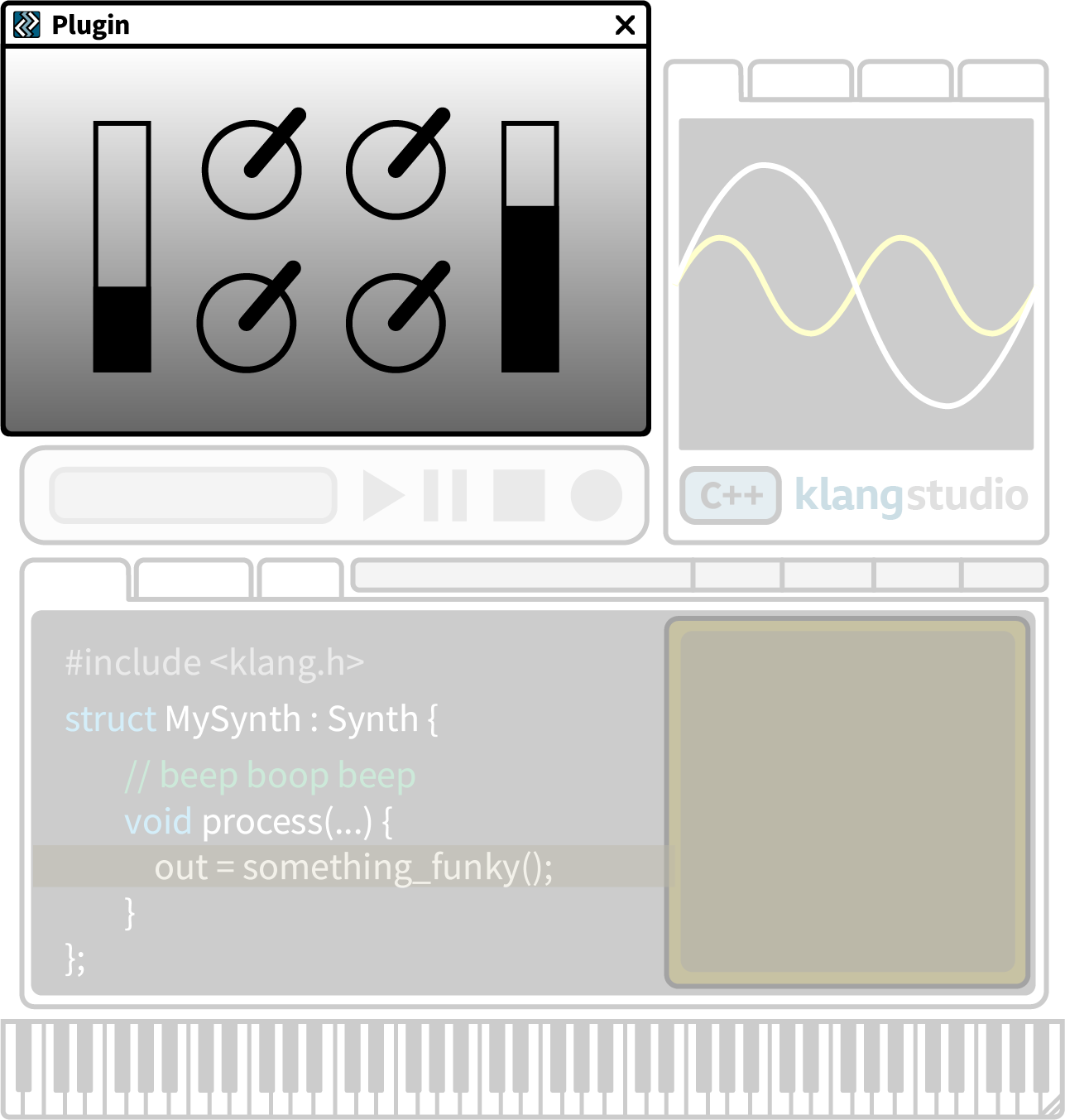
The Plugin UI provides realtime control of the live plugin. Use the controls array to arrange dials, sliders, menus, buttons, etc.
Controls can be automated using the DAW (or MIDI) and custom bitmaps used for the background.
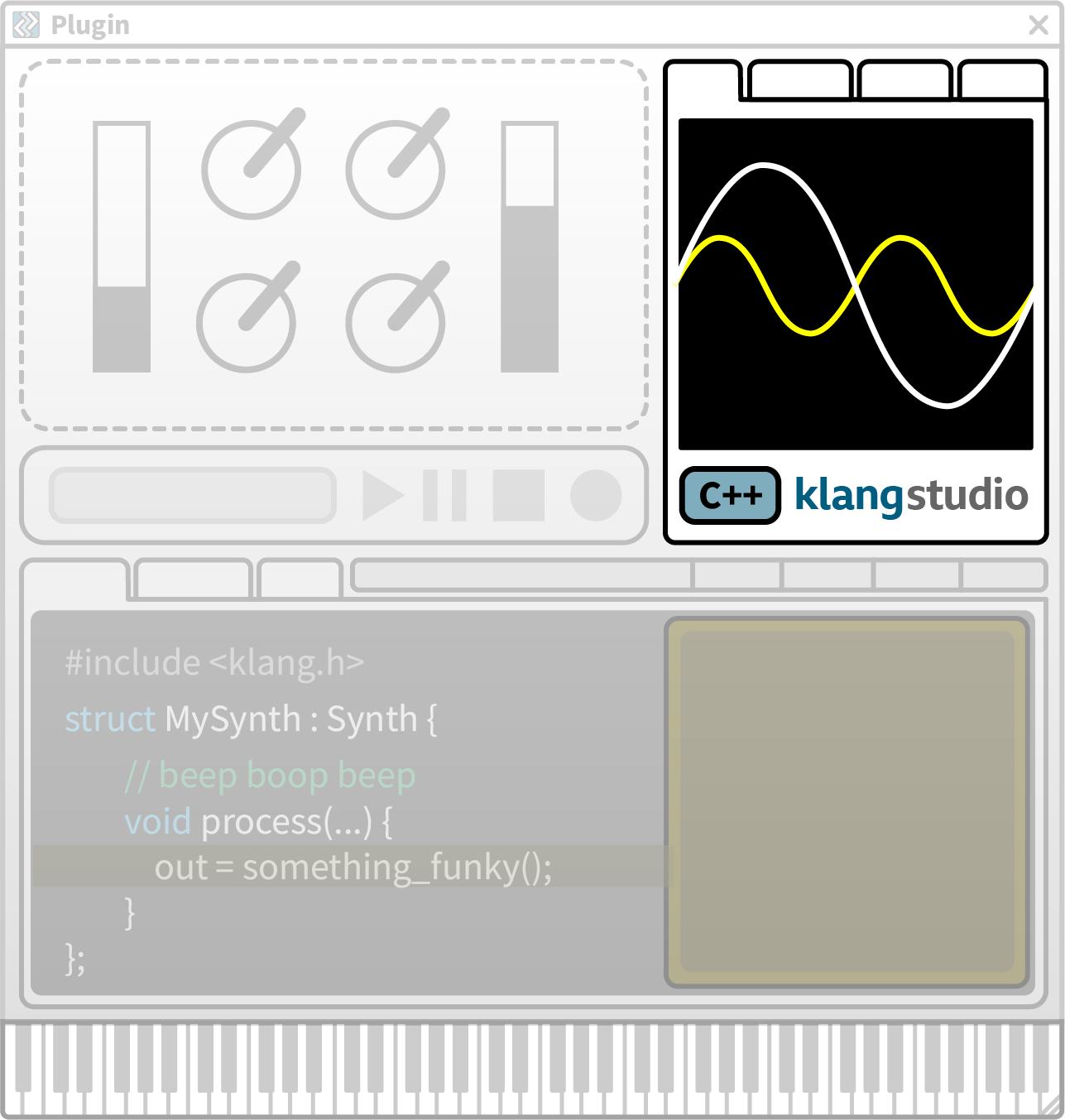
The Audio Analysis panel offers detailed time (oscilloscope) and frequency (spectrum, sonogram) plots of the plugin audio output, including a dedicated debug signal (yellow) that can be fed from anywhere in the code (for example, signal >> debug).
The project list and performance settings are also to be found here, in the Settings tab.
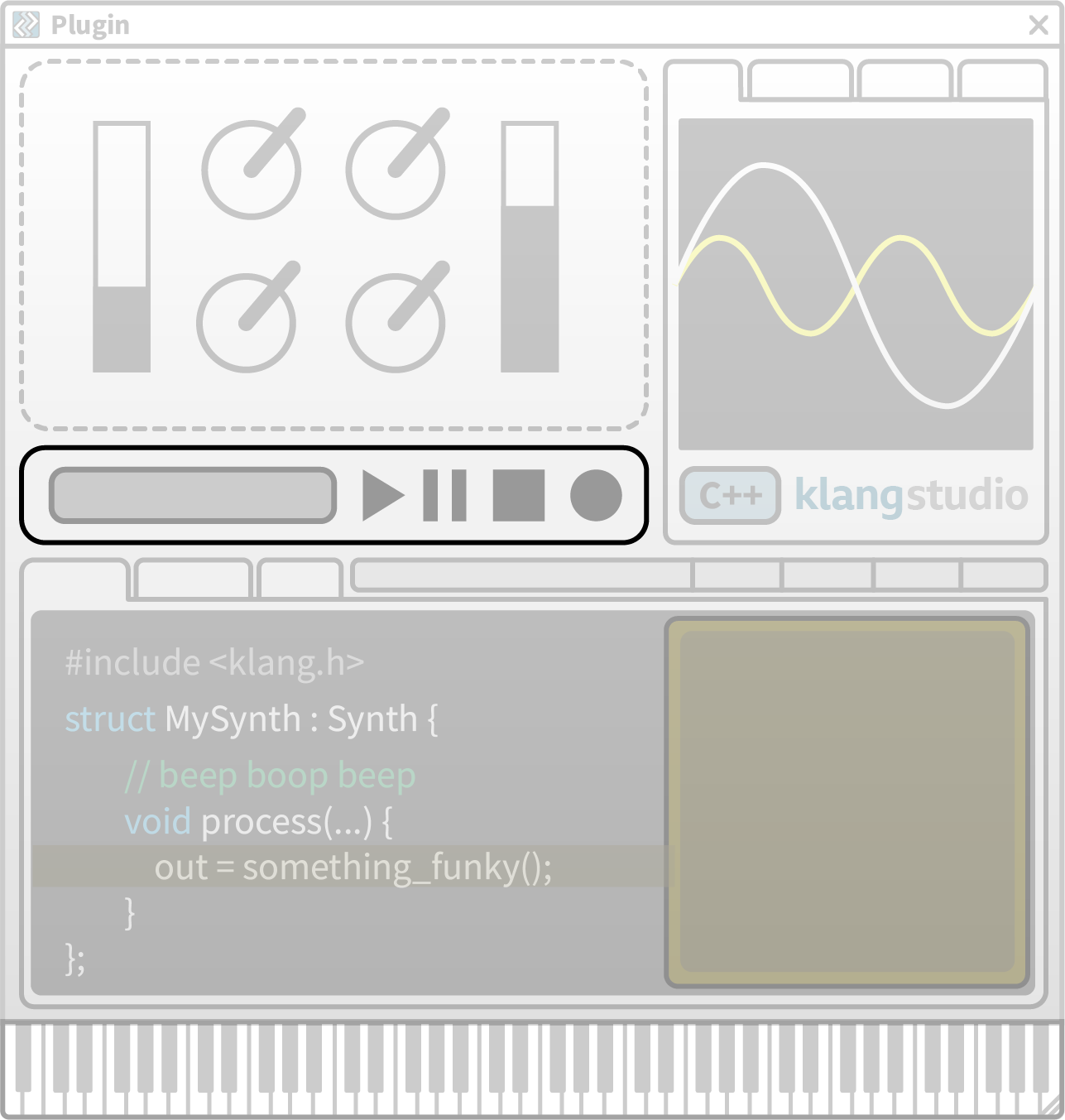
While you can audition your plugin in the DAW, a useful range of test materials are provided via the built-in audio and MIDI player – supporting playback loops, output capture (live audio recording) and plotting of the plugin’s impulse response (for delay-based effects).
The Main Toolbar shows current program status and provides fast access to key tools:
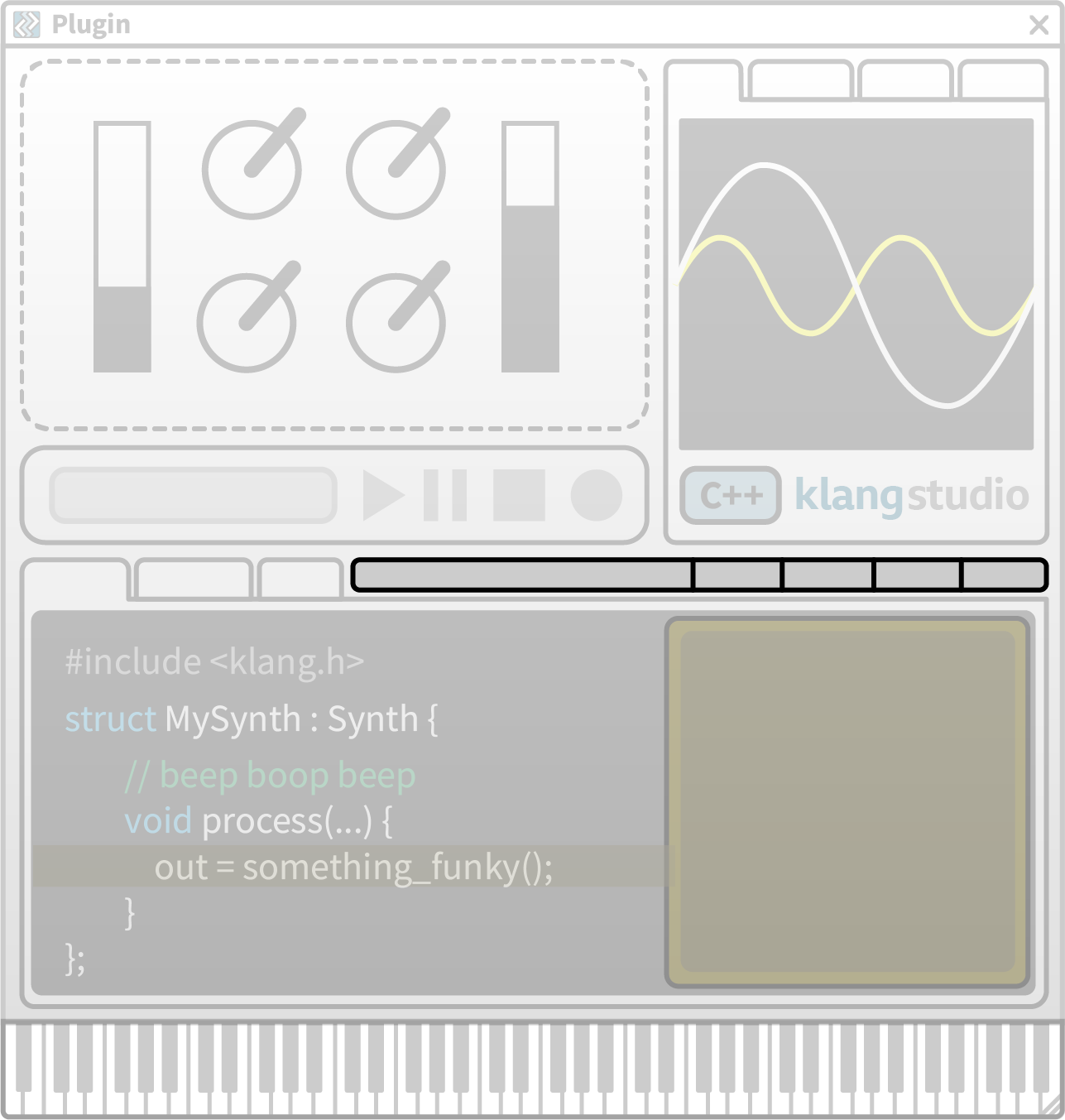
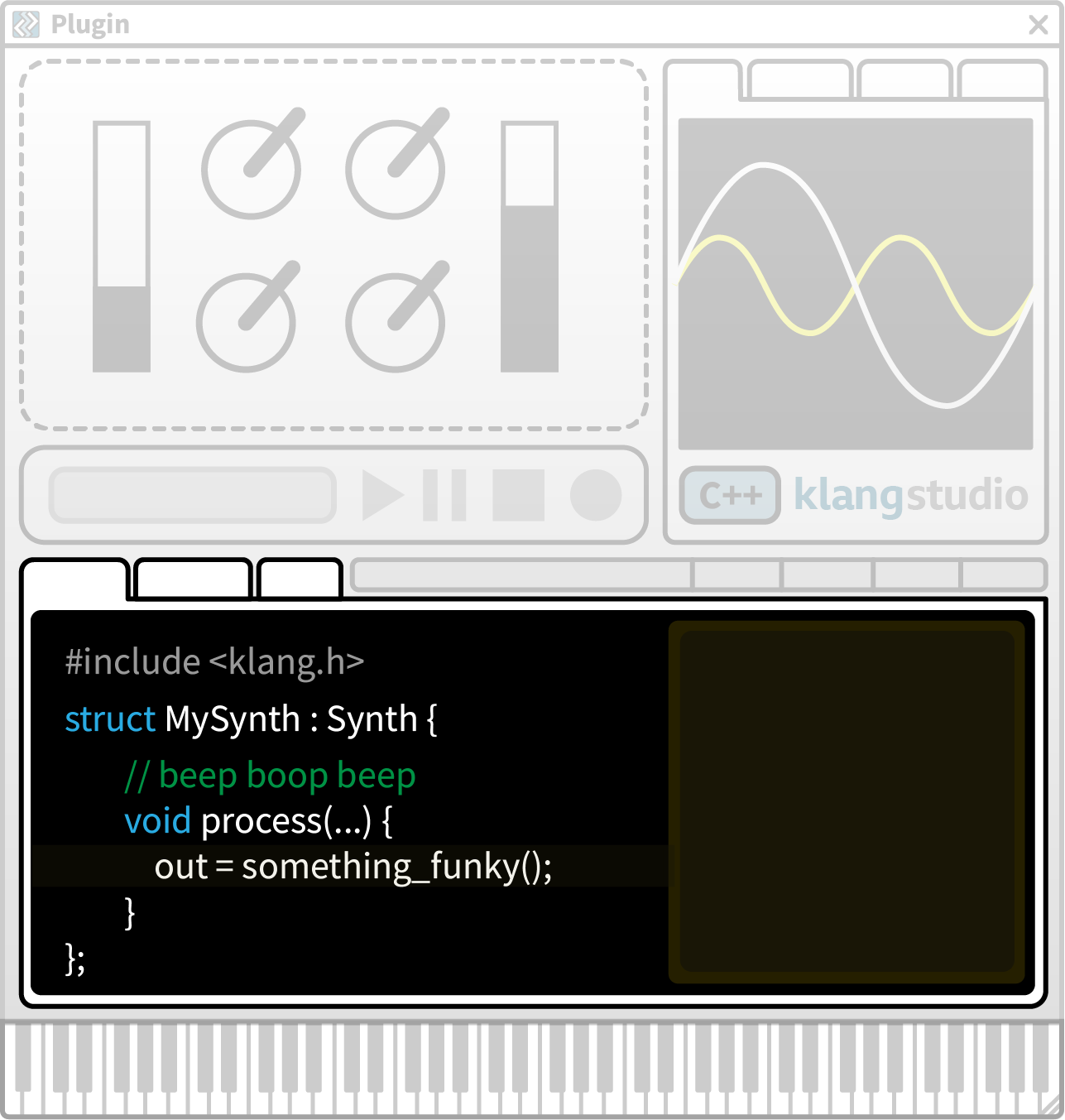
The Code Editor shows the plugin source code and supports editing with syntax highlighting and code completion.
Other tabs show the compiler output, UI background, data plots, or debug status. Graphs can also be generated from code using data points or functions, which are displayed beside the code.
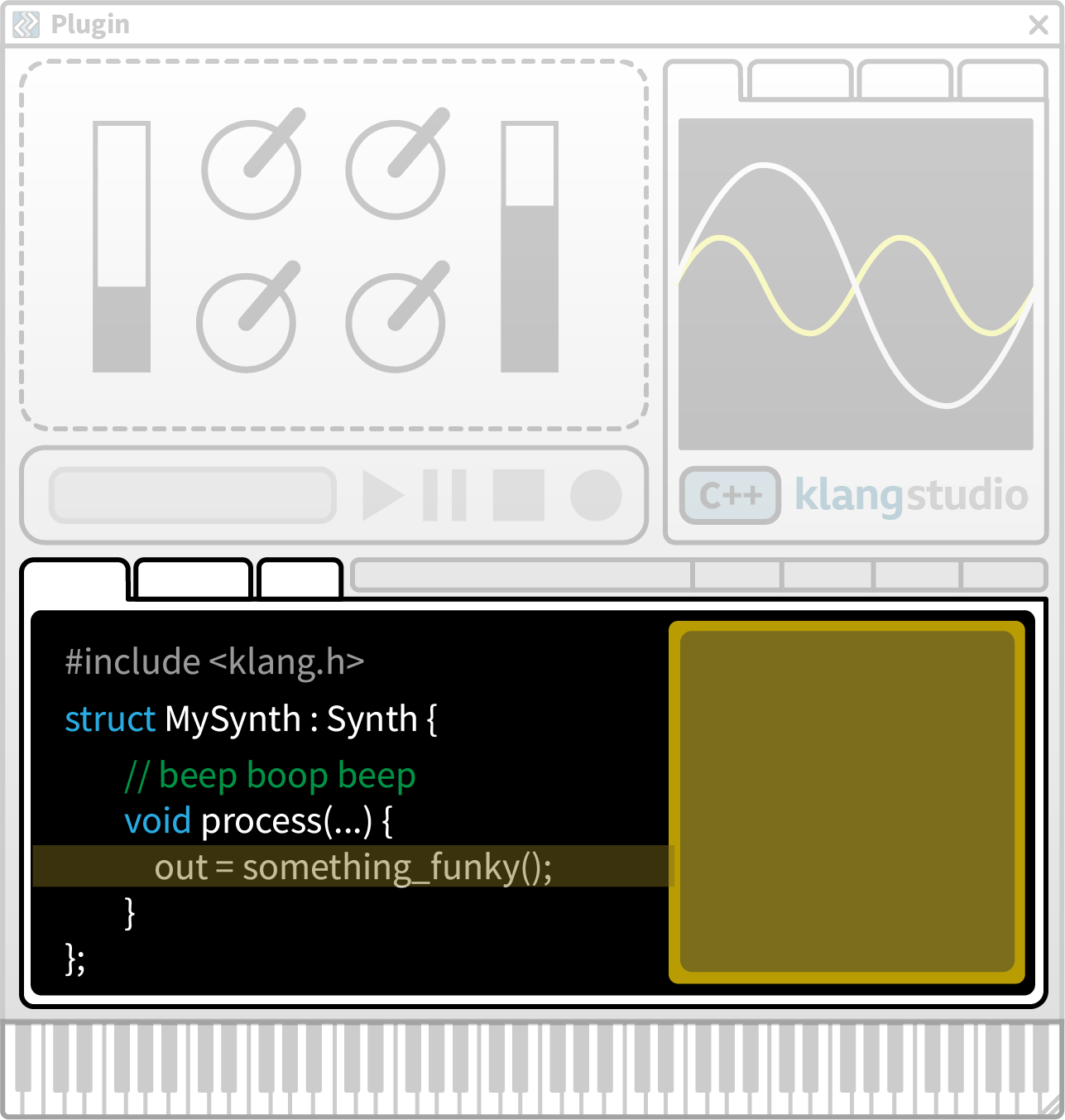
Debug Mode allows you to set breakpoints in the code where execution pauses and the current values of variables are displayed.
To add a breakpoint, click the line number you'd like to pause at. At that point, execution stops, and a yellow panel displays the current value of variables.
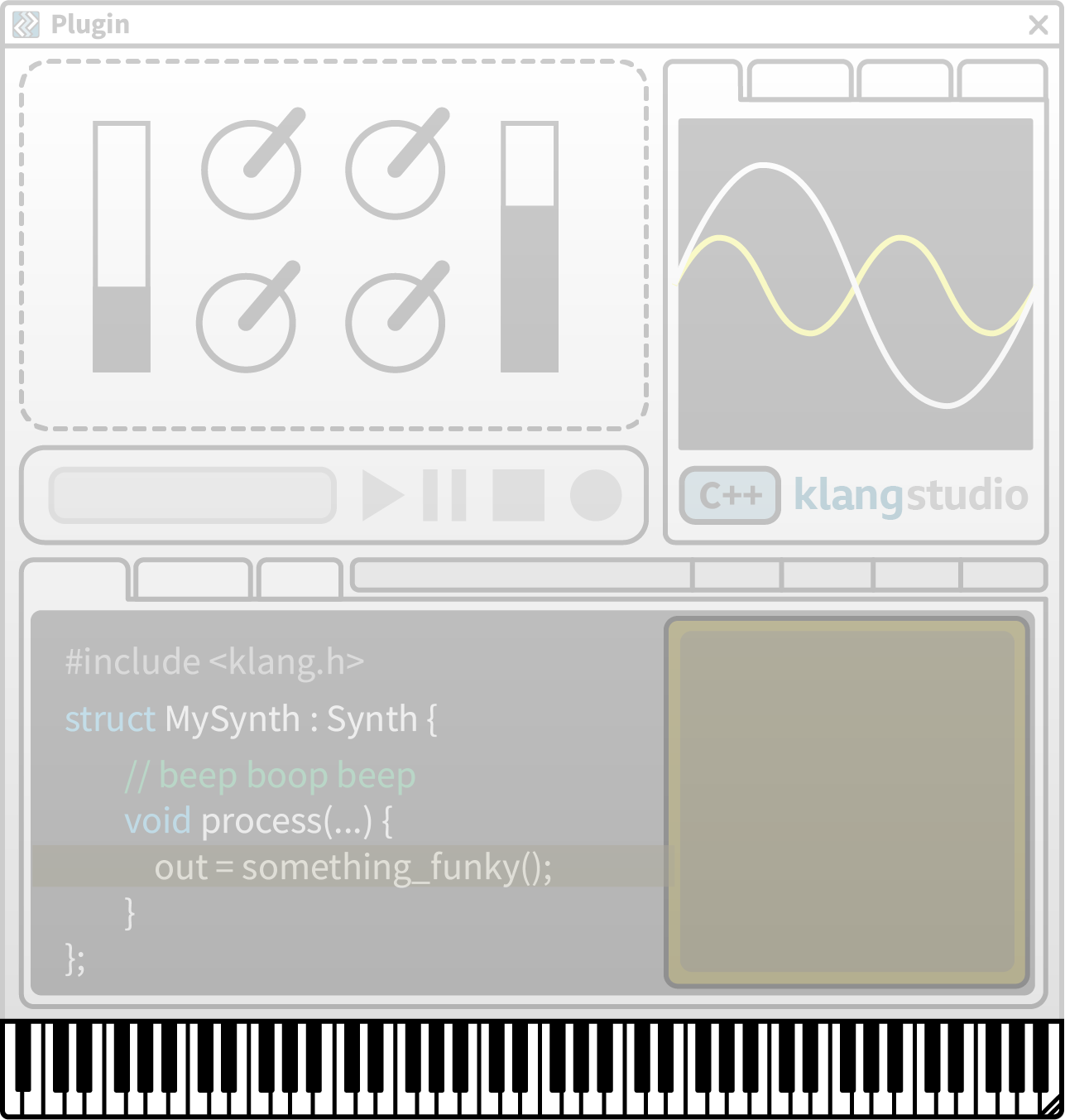
Synth plugins can be controlled using physical MIDI controllers or the host, but a simple on-screen Virtual Keyboard also supports quick auditions.
Vertical position on the key sets velocity. The QWERTY keyboard can also be used - change the base octave with the mouse wheel.